10 Best AI Video Face Swap Tools in 2026 (Tested & Reviewed)

Alex. J
3/6/2026
Table of Contents
- Best AI Video Face Swap Tools of 2026: Hands-On Review
- ⚡ Quick Answer: Best AI Video Face Swap Tools at a Glance
- 🔍 How We Tested
- 📐 Side-Face Performance Comparison
- The 10 AI Video Face Swap Tools Reviewed
- Best Video Face Swap Comparison
- Best AI Video Face Swap Tools of 2026: Final Rankings
- Frequently Asked Questions
Best AI Video Face Swap Tools of 2026: Hands-On Review
By 2026, AI video face swap tools have gone from niche to mainstream — but most reviews don't test what actually matters: side-profile handling, anonymous access, and real processing speed. We ran hands-on tests across 10 tools in March 2026 using identical source clips and the same face photo, so the results are directly comparable.
If you're looking for the best AI video face swap tool — whether you need it free, fast, or built for long videos — this guide covers all of it with verified data. You can also refer to testing experiences shared by other developers on Medium, such as AI Video Face Swap Tools (2026): Performance Benchmark & Pricing.
⚡ Quick Answer: Best AI Video Face Swap Tools at a Glance
- 🏆 Best overall: Supawork AI — free anonymous access, 95% side-face rate, up to 2-hour videos
- 💰 Cheapest paid: MagicHour AI — $0.0025/s
- 👥 Multi-face swap: AIFaceSwap.io — up to 5 faces per video
- ⚡ Easiest to start: Live3D — no login, 10 free uses/day
- 🎬 Highest resolution: MagicHour AI — up to 4K on paid plans
🔍 How We Tested
We tested each tool in March 2026 using two source clips: a 15-second frontal talking-head video and a 45-second walking vlog with frequent side-profile angles. The same face photo was used across all tools to ensure consistent comparison. (Tested and written by the Supawork AI editorial team, March 2026.)
Each tool was evaluated on three criteria:
- Swap quality — including side-face stability and expression alignment
- Processing speed — measured from upload to download
- Free access availability — whether anonymous or sign-up-free trials existed
Tools marked "Limited data" were tested on free previews only due to quota restrictions. All pricing was verified from official pages in March 2026.
These three dimensions reflect the most common pain points reported by AI video face swap users: output quality at non-frontal angles, wait time, and cost barrier to entry.
📐 Side-Face Performance Comparison
| Tool | Side-Face Performance | Basis |
|---|---|---|
| Supawork AI | ✅ Optimized | Up to 95% success rate — highest of all tools tested |
| MagicHour AI | ⚠️ Limited | Results vary with complex motion or side-profile footage |
| Facy AI | ⚠️ Limited | Inconsistent alignment on non-frontal and motion-heavy footage |
| Easemate AI | ✅ Supported | High expression-to-motion alignment; side-face optimization supported |
| AIFaceSwap.io | ⚠️ Limited | Motion and profile angles may cause distortion or blur |
| Live3D | ⚠️ Limited | Results vary with complex motion or side-profile footage |
| HuggingFace | — Unknown | Limited data; only 4-second free previews tested |
| Monet | ❌ Poor | Background/clothing may shift; video limited to 3–30s |
| Ismartta | — Unknown | Limited data; ~50% generation failure rate overall |
| Remaker.ai | ⚠️ Limited | Head turns show blurring; inconsistent on motion-heavy footage |
The 10 AI Video Face Swap Tools Reviewed
Pricing Note: Pricing models vary significantly across tools — some charge per second, others per swap, and some offer pay-as-you-go plans. The prices below reflect the lowest paid tier available at time of testing. Always verify on each tool's official pricing page before purchasing.
| Tool | Quick Intro | Best For | Platform | Free Plan | Starting Price |
|---|---|---|---|---|---|
| Supawork AI | AI creative platform for headshots, video face swap, and social content. | Social media creators | Web | Limited | $9.9 / 400 credits |
| MagicHour AI | All-in-one AI platform with both video and image generation models. | Content teams | Web | Limited | $10 / 1000 credits |
| Facy AI | AI tool for advanced video customization, including face swap. | Casual face swappers | Web | Limited | €19.99 / 20 swaps |
| Easemate AI | Lets you turn almost any video into a customized AI video. | Beginners | Web | Limited | $7.49 / 1200 credits |
| AIFaceSwap.io | Simple AI face swap tool with no login or watermarks. | Meme creators | Web | Limited | $6.99 / 500 credits |
| Live3D | VTuber creativity suite for live streaming, avatars, and face-based content. | VTubers/Streamers | Web+APP | Limited | $3 pay-as-you-go |
| HuggingFace | AI community hub hosting video and face swap models for developers. | AI developers | Web | Limited | $2.99 / 1 min HD |
| Monet | Integrates top AI models for video and image generation, including face swap. | Pro video editors | Web | NO | $1.99 / 100 credits |
| Ismartta | AI content suite with face swap and voice tools. | All-in-one creators | Web | Limited | $29.99 / 960 credits |
| Remaker | Easy AI tool to recreate, edit, and enhance any image. | Image editing hobbyists | Web | Limited | $5.99 / 200 credits |
——Prices sourced from each tool's official pricing page, verified March 2026.
Best Video Face Swap Comparison
1. Supawork AI
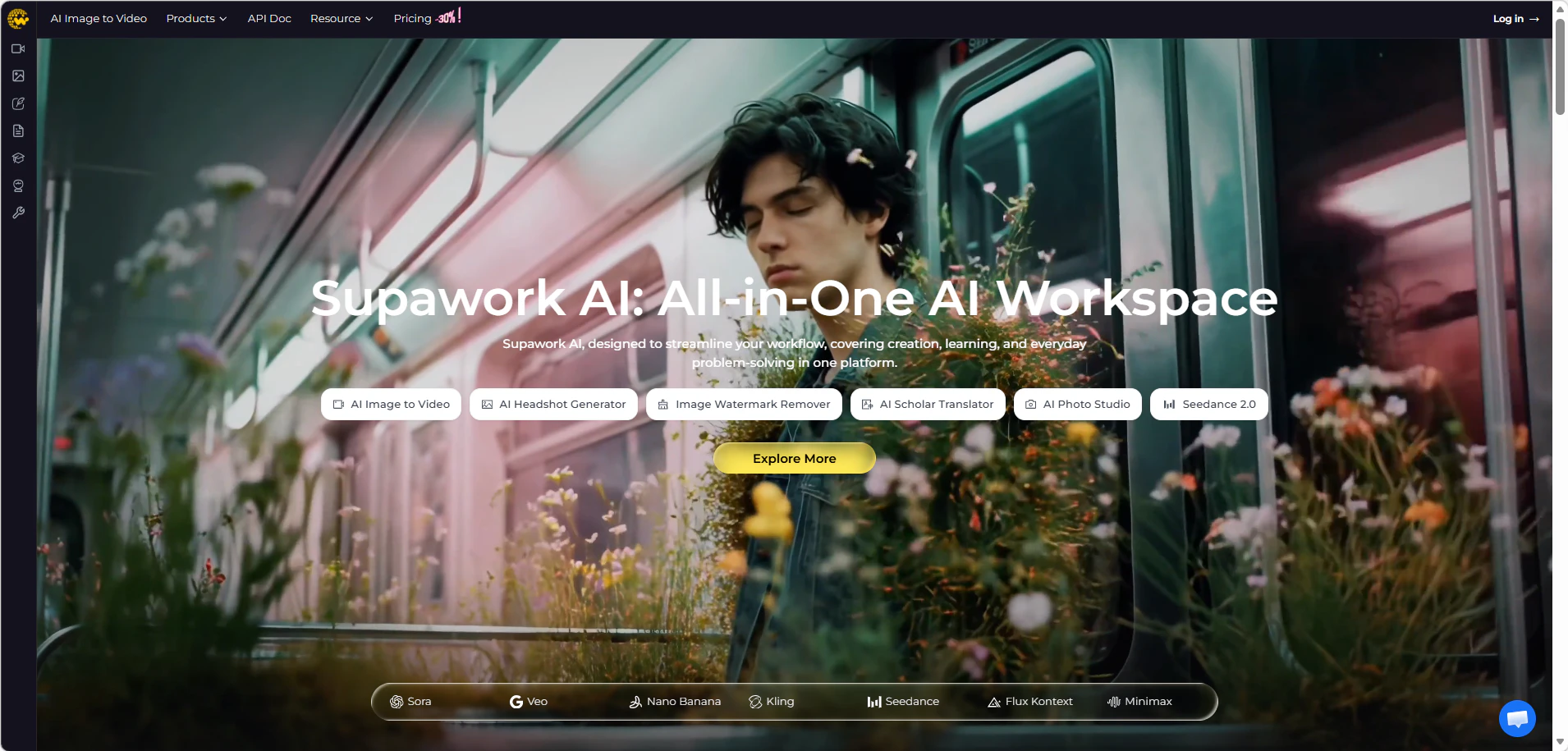
Supawork AI is a browser-based video face swap tool designed for both quick tests and longer video processing.
📊Test Result

Overall: The strongest all-around performer in our 2026 test, particularly for long videos and non-frontal footage.
🏆 Best For: Long videos and profile-angle face swaps
Key Info
- Anonymous users: 3 free swaps/day, up to 20 seconds each, no HD option
- Free users (signed in): 2 swaps/day via daily sign-in rewards, up to 300 seconds each, no HD option
- Max video: 2 GB / 2 hours
- Processing: ~10 seconds — 3–5× faster than the category average
✅ Pros
- Anonymous trial available with no registration required
- Side-face optimization rate reaches up to 95% — the highest of any tool tested — with significantly reduced blur on profile angles
- Long video support: up to 2 GB, max 2 hours
- Flexible access tiers: anonymous → free → paid
- Free registered users can process clips up to 300 seconds — at least 5× longer than the free tier of most competing tools
- Pricing: Non-Enhanced $0.005/s; HD-Enhanced $0.010–$0.025/s
❌ Cons
- Queue wait times may occur during peak hours
📖 Example Use Case
Tested anonymously on a 3-minute side-profile vlog: swap completed in ~10 seconds, clean result, zero sign-up required.
2. MagicHour AI
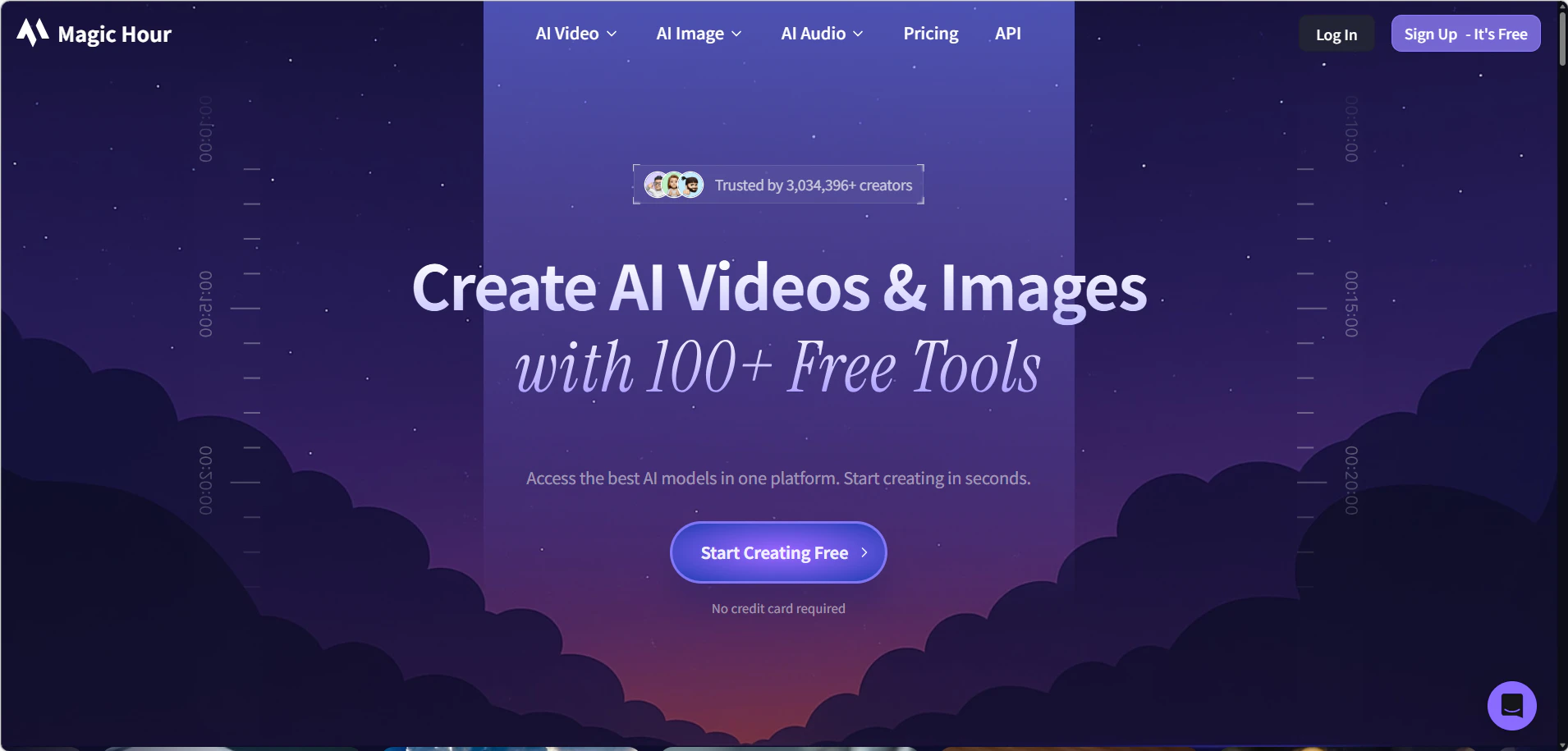
Magic Hour delivers realistic face swap for both images and videos while preserving lighting direction, facial structure, and skin texture. It supports multiple face swaps in a single project, making it practical for group photos, movie scene edits, and collaborative content.
📊Test Result

🎬 Best For: Creators,marketers,and enterprises that need to swap multiple faces at scale
Key Info
- Anonymous users: 3 free swaps/day, up to 10 seconds each, output at 360p, no HD option
- Free users (signed in): 400 free credits upon sign up and 100 free credits/day via daily sign-in, output at 576p up to 17 seconds each
- Max file: 10 GB
- Max video: 9.7 hours (paid)
- Resolution: up to 4K (paid)
✅ Pros
- Multiple access tiers: anonymous and free users can both experience basic face swap
- Highly realistic face swaps that maintain natural lighting, angles, and textures
- Multiple face swap support for group photos and multi character video edits
- API access for scaling image and video face swap production
- Priority Queue processing available
- Supports up to 4K output on paid plans
❌ Cons
- Free and anonymous output fixed at below 720p — limited image detail
- Outputs may contain watermarks for free version
- Credit-based free logic is somewhat complex for new users
📖 Example Use Case
Tested on a group video with several people moving and turning, each face stayed locked in place and matched the angles without flickering or slipping between frames.
3. Facy AI
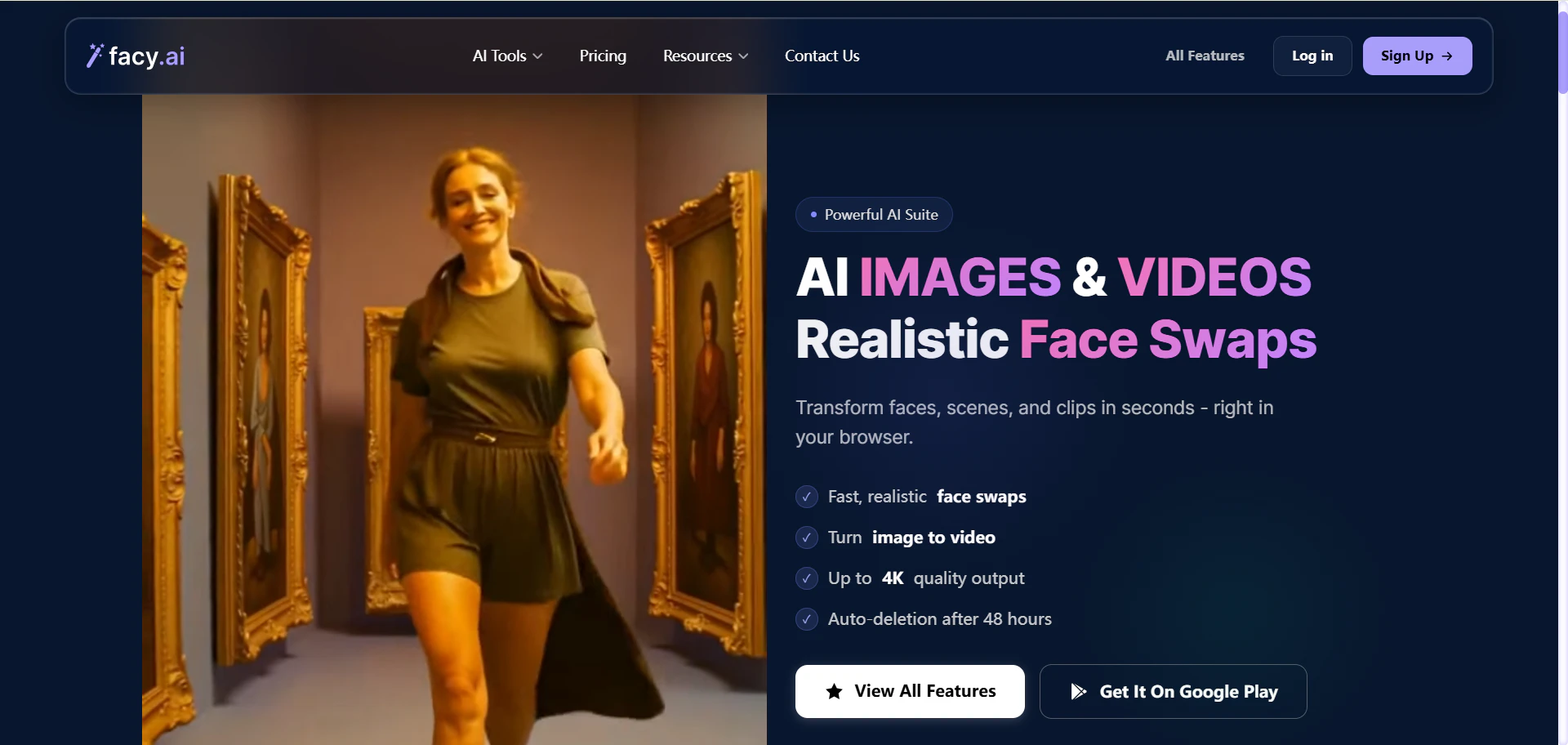
Facy AI focuses on format compatibility and workflow stability, offering tools to check videos before processing.
📊Test Result

🎞 Best For: Users working with multiple video formats
Key Info
- Anonymous users: no access
- Free users (signed in): 1 free try/day (1–30 seconds), with the same 4K quality as paid users
- Formats: MP4, AVI, MOV, MKV, WEBM
- Max duration: 3600 seconds (1 hour)
- Processing: ≥10 seconds
- Pricing: €19.99 for 20 swaps (bundled with other features)
✅ Pros
- Broad format compatibility (MP4, AVI, MOV, MKV, WEBM)
- Task resumption after interruption — processing continues from where it left off
- Built-in video face detection workflow before processing begins
- Free users enjoy the same 4K output quality as paid users
❌ Cons
- No anonymous access — registration required to try
- Free experience is very limited: only 1 attempt per day
- Bundled pricing (€19.99 / 20 swaps) limits flexibility for longer or higher-volume needs
- Side-profile and motion-heavy footage may show inconsistent alignment; best suited for relatively static shots
📖 Example Use Case
When an MKV file gets rejected by every other tool, Facy AI scans it cleanly and resumes automatically at 60% after a stall — no restart needed.
4. Easemate AI
Easemate is a credit-based face swap platform focused on maintaining consistent facial alignment during motion.
📊Test Result

😊 Best For: Users prioritizing expression alignment
Key Info
- Anonymous users: no access
- New registered users: 30 signup credits + 2 free swaps
- Free users (signed in): daily sign-in rewards with a tiered system; up to 200 credits per week (≈ 20 seconds of video swap)
- Video limit: 120 seconds / 100 MB
- Processing: ≥10 seconds
- Pricing: $0.005/s
✅ Pros
- Side-face optimization supported
- High expression-to-motion alignment quality
- HD output available
- Sign-in reward system encourages daily use
- Low cost at $0.005/s
❌ Cons
- No anonymous access — registration required
- Weekly free quota is very limited (≈ 20 seconds total), not suitable for continuous creation
- Short video limit: 120 seconds max per clip
- File size capped at 100 MB
📖 Example Use Case
Expression alignment holds through head movement and raised eyebrows — though clips over 120 seconds need to be split before upload.
5. AIFaceSwap.io
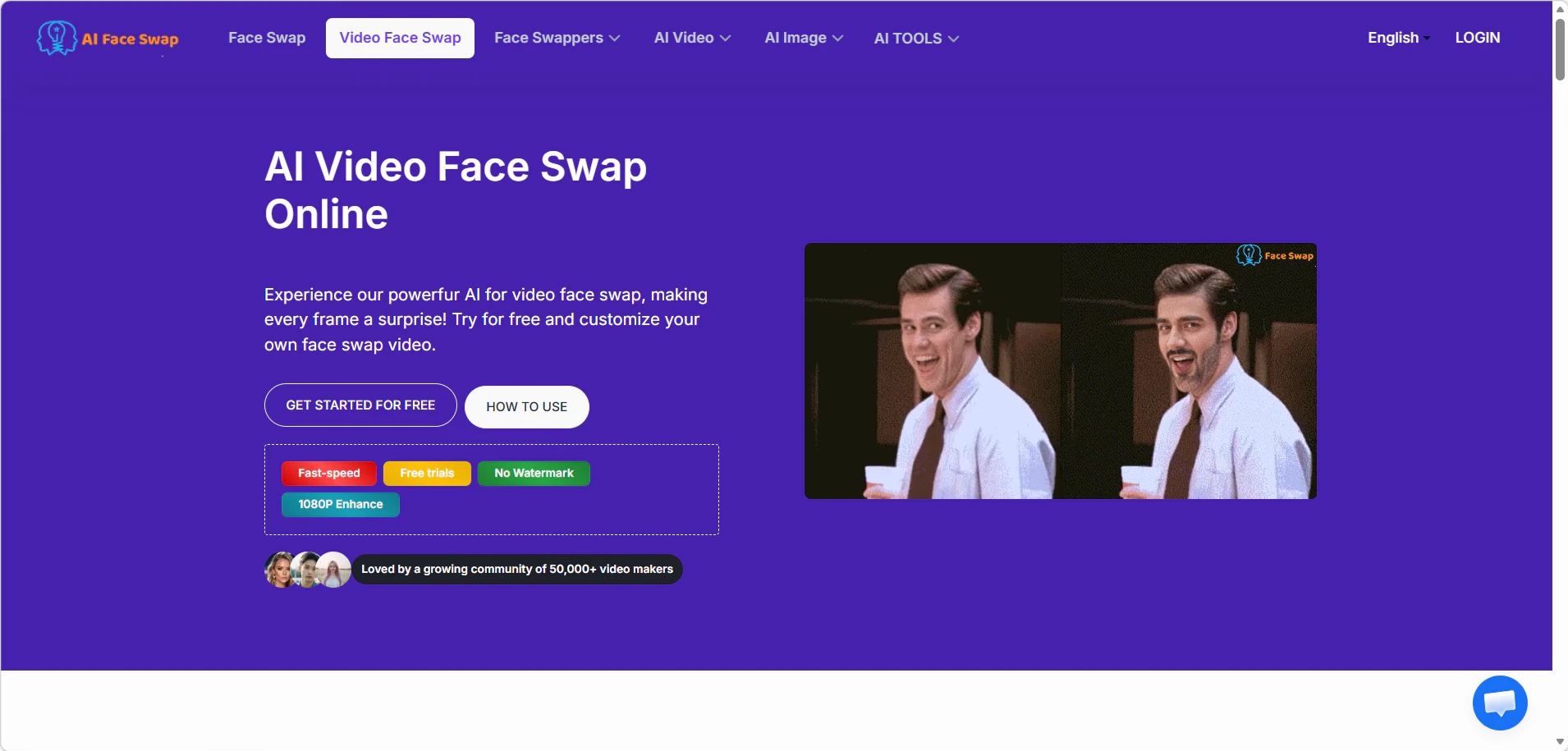
AIFaceSwap.io combines guest testing with account features and supports multiple faces within a single video.
📊Test Result

👥 Best For: Multi-face swaps and batch processing
Key Info
- Anonymous users: 5 trials/day, up to 10 seconds each, output at ~244p
- Free users (signed in): 120 initial credits = 12 swaps, output at ~244p
- Max file: 1 GB
- Max resolution: up to 2K (paid)
- Concurrent tasks (paid): 3
- Pricing: $0.05/s
✅ Pros
- Anonymous trials available: 5 uses per day
- Multi-face swaps: up to 5 faces per video
- Permanent history for videos and GIFs
- No login required to start testing
- Free users: up to 3 videos/GIFs per 12 hours
❌ Cons
- Free and anonymous output fixed at ~244p — very low quality
- At $0.05/s, cost per second is higher than many competitors
- Motion and profile angles may cause distortion or blur
- Videos longer than 10 seconds require VIP upgrade
- Free queue times may range from 2–6 minutes
📖 Example Use Case
Four faces swapped into a 9-second group clip with no login, delivered at 244p after a 4-minute queue. Of all tools tested, it's the only one supporting up to 5 simultaneous face swaps at no cost.
6. Live3D
Live3D provides a simple web interface for quick face swap experiments without requiring an account.
📊Test Result

⚡ Best For: Fast testing without signup
Key Info
- No login required
- Free uses: 10/day
- Video limit: 20 seconds per clip
- File size: 100 MB
✅ Pros
- No login required — lowest barrier to entry
- 10 free uses per day — generous for short clips
- Simple browser-based workflow
❌ Cons
- Video length capped at 20 seconds, limiting creative use
- Queue times may reach 5–10 minutes
- Results vary with complex motion or side-profile footage
- File size limited to 100 MB
📖 Example Use Case
Ten free daily uses make it easy to test variations on a 15-second stream highlight — but a 7-minute queue makes it impractical for anything time-sensitive.
7. HuggingFace

This HuggingFace Space provides a technical face swap environment built on a deepfake pipeline.
📊Test Result
Limited data; basic free tests only.
💻 Best For: Developers and experimentation
Key Info
- No login required
- Free previews: 3/day, up to 4 seconds each
- Technology: GFPGAN face restoration
- Pay-per-swap model (no subscription required)
- Pricing: $0.0333–$0.0498/s (HD)
✅ Pros
- No account needed — pay per swap with no commitment
- Selfie video support
- Gender-assisted face targeting for more precise swaps
- GFPGAN-powered face restoration for improved output quality
- Flexible pay-as-you-go pricing
❌ Cons
- Upload and generation speeds may vary
- Some generations may not complete successfully (estimated 50% failure rate)
- Free preview limited to 4 seconds, insufficient for meaningful testing
📖 Example Use Case
Pay-per-swap with no subscription is practical for developer testing — but roughly 1 in 3 free previews fails and needs resubmitting.
8. Monet

Monet uses a credit-based system and focuses on short video processing.
📊Test Result

🎬 Best For: Short experimental clips
Key Info
- No anonymous access
- Signup credits: 10 (costs 10 credits/s — approximately 1 second of video swap)
- Video length: 3–30 seconds
- Processing: ~20 seconds
- Pricing: $0.1/s (Non-Enhanced)
✅ Pros
- Daily sign-in credit rewards
- Integrates multiple top AI models
❌ Cons
- No anonymous access — registration required
- Initial 10 credits barely cover 1 second of swap — essentially not usable for real testing
- At $0.1/s, pricing is among the highest of all tools reviewed
- Background or clothing may shift along with the face in some outputs
- Video support limited to 3–30 seconds
📖 Example Use Case
Ten signup credits sound useful until they run out after 1 second of a 10-second clip. Additional credits at $0.1/s are required before seeing any result.
9. Ismartta
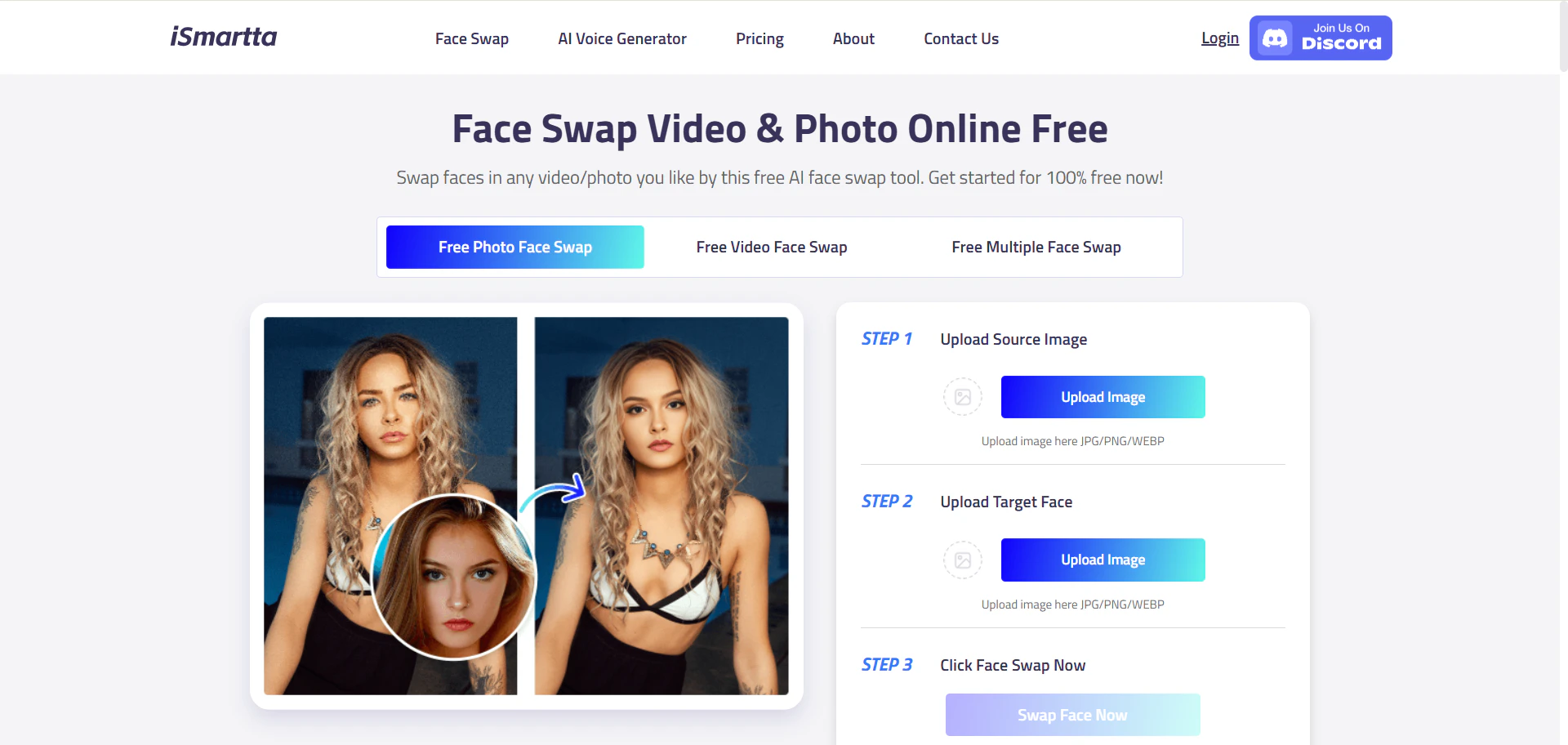
Ismartta is a lightweight face swap tool designed for simple and quick processing.
📊Test Result
Limited data; basic free tests only.
✂️ Best For: Short clips and quick swaps
Key Info
- Free swaps: 2/day
- Processing: ~20 seconds
- File size limit: 100 MB
- No paid recharge portal currently available
✅ Pros
- 2 free swaps per day with no registration required
- Simple and direct — good for quick testing
❌ Cons
- No recharge portal — cannot expand usage beyond the daily free quota
- Some generations may not complete successfully (estimated 50% failure rate)
- File size limited to 100 MB
- Video length limit not clearly disclosed
📖 Example Use Case
Two free daily swaps process in ~20 seconds each, no login required. Need a third? There's no paid option — come back the next day.
10. Remaker.ai
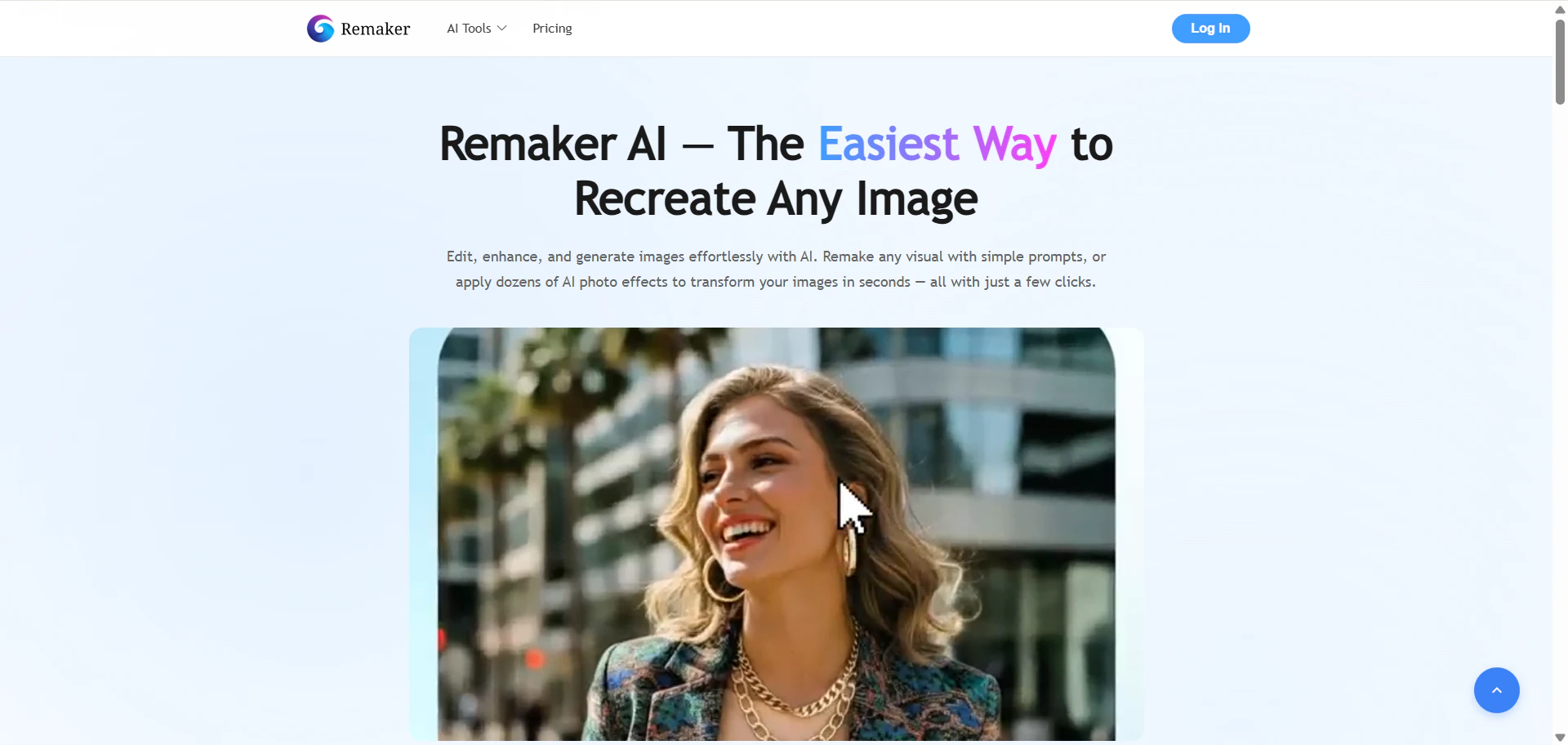
Remaker.ai supports longer uploads and operates through a credit-based system.
📊Test Result

📹 Best For: Longer videos compared with many web tools
Key Info
- Anonymous users: no access
- Free users (signed in): 30 credits on first login; additional credits via tiered daily sign-in rewards
- Max video: 30 minutes
- Max file: 500 MB
- Pricing: Non-Enhanced $0.018/s; HD-Enhanced $0.07/s
✅ Pros
- Supports longer videos — up to 30 minutes and 500 MB
- Sign-in reward system provides ongoing free credits
- Both non-HD and HD output options available
❌ Cons
- No anonymous access — registration required
- Queue times may reach several minutes
- Output quality may vary depending on footage; results can appear unnatural with visible face blurring
- Non-HD ($0.018/s) and HD ($0.07/s) pricing is higher than several competitors
📖 Example Use Case
A 15-minute interview uploads without issue — comfortably within the 500 MB limit. Static shots process cleanly; head turns introduce some blurring.
Best AI Video Face Swap Tools of 2026: Final Rankings
Based on our March 2026 hands-on testing across swap quality, processing speed, and free access, here is how the 10 best AI video face swap tools rank by use case. Each tool has a clear ceiling — pick based on what your footage actually demands.
🆓 Best Free / No-Login Experience
- Supawork AI
- Live3D
- AIFaceSwap.io
🎯 Best Swap Quality
- Supawork AI
- Easemate
⚡ Best Processing Speed
- Supawork AI
- Facy AI
- Easemate
🎬 Best Output Resolution
- MagicHour AI (up to 4K, paid)
- AIFaceSwap.io (up to 2K paid; free ~244p)
⚠️ Tools with Limitations
- Ismartta & HuggingFace (~50% generation failure rate)
- Monet (high cost, very limited free tier)
Frequently Asked Questions
Q: Can I try AI video face swap without signing up?
A: Yes. Supawork AI, AIFaceSwap.io, Live3D, HuggingFace, and Ismartta all allow anonymous use with no account required. Supawork AI offers 3 free swaps per day (up to 20 seconds each); Live3D offers 10 free uses per day (up to 20 seconds); AIFaceSwap.io offers 5 free trials per day (up to 10 seconds each).
Q: Which tool is the cheapest for paid use?
A: MagicHour AI is the lowest at $0.0025/s for non-enhanced swaps. Supawork AI and Easemate AI both come in at $0.005/s.
Q: Which tool handles side-profile footage best?
A: Supawork AI is specifically optimized for side-face swaps, with a reported success rate of up to 95%. Easemate AI also performs well on footage with head movement and expression changes. MagicHour AI has an estimated side-profile failure rate of around 65% and is better suited for frontal footage.
Q: Which tool supports the longest videos?
A: Supawork AI accepts videos up to 2 hours and 2 GB. MagicHour AI supports up to 1 hour and 1 GB. Remaker.ai accepts up to 30 minutes and 500 MB. Most other tools cap at 10–120 seconds for free tiers, or require a paid upgrade for longer clips.
Q: Can I swap multiple faces in one video?
A: Yes — AIFaceSwap.io supports up to 5 faces per video and is the strongest option for group or multi-person clips. Other tools on this list are generally designed for single-face swaps.
Q: Is it safe to upload my face to AI video face swap tools?
A: Most tools in this list process uploads on cloud servers and do not retain your data beyond the session, but privacy policies vary. For the lowest risk, use tools that support anonymous access without account creation — Supawork AI, Live3D, AIFaceSwap.io, and Ismartta all allow testing without uploading personal account information. Always review a tool's privacy policy before uploading sensitive footage.
Q: Are there tools with a high generation failure rate I should know about?
A: HuggingFace and Ismartta both have an estimated failure rate of around 50% — budget for retries if using either. Facy AI includes a task resumption feature that picks up from the point of failure, which helps reduce the impact of interruptions on longer clips.