• T Text
  • Document
0 / 20000 characters (0 words)

Humanizer AI: Sound Human, Not AI

Type or drop your text into the AI humanizer and click humanize.

AI Humanizer Online: Free Humanize AI Text Tool

AI detectors can't tell the difference. This free AI humanizer online turns flagged content into authentic writing that passes as 99% human—every single time.

 supawork avatar  supawork avatar  supawork avatar
join over 50000+ creators

AI Humanizer Online: Free Humanize AI Text Tool

AI Detectors Supawork AI has passed

Supawork's AI Humanizer Features

Beat Every AI Detector

Pass all detection tools as human - undetectable every time.

Free & Unlimited

Higher word limits than most tools, no fees, no sign-up required.

Fast & Private

Process in seconds, then it's gone - no data kept on our servers.
Bypass AI Detection Tools

Bypass AI Detection Tools

Gets past Turnitin, GPTZero, Originality, and pretty much any detector you throw at it. Our AI content humanizer just works.
Perfect for Essays & Papers

Perfect for Essays & Papers

Tons of students use this AI essay humanizer to polish their drafts. Turns stiff AI writing into something that actually sounds like you wrote it.
Unlimited Humanizing

Unlimited Humanizing

Seriously, no limits. Use it all day, every day - we won't stop you or ask for payment.
40+ Languages Supported

40+ Languages Supported

Writing in Chinese? Spanish? Arabic? Cool, it handles all of them without breaking a sweat.
Rewrite Like a Human

Rewrite Like a Human

This AI rewriter humanizer doesn't just swap words around. It fixes the flow, mixes up sentence length, makes everything feel natural.
Lightning Fast Processing

Lightning Fast Processing

Drop in a 1,000-word essay, get it back in seconds. No joke, it's that quick.

Who Uses AI Humanizer Online?

Anyone dealing with AI detectors uses this AI humanizer online. Wrote with ChatGPT or Claude? Humanize it first. Simple fix for a common problem.


Students

Students

Writing essays that pass Turnitin and sound like they wrote it themselves.
Content Creators

Content Creators

Want AI drafts to sound real and keep their personal style.
Freelancers

Freelancers

Need the AI humanizer tool to help client work pass all checks.
Non-Native Speakers

Non-Native Speakers

Want AI emails to sound natural, not stiff or weird.

How to use AI Humanizer Online

It's ridiculously simple. Paste your AI content into the box, hit humanize, and get natural text back in seconds. That's literally it.

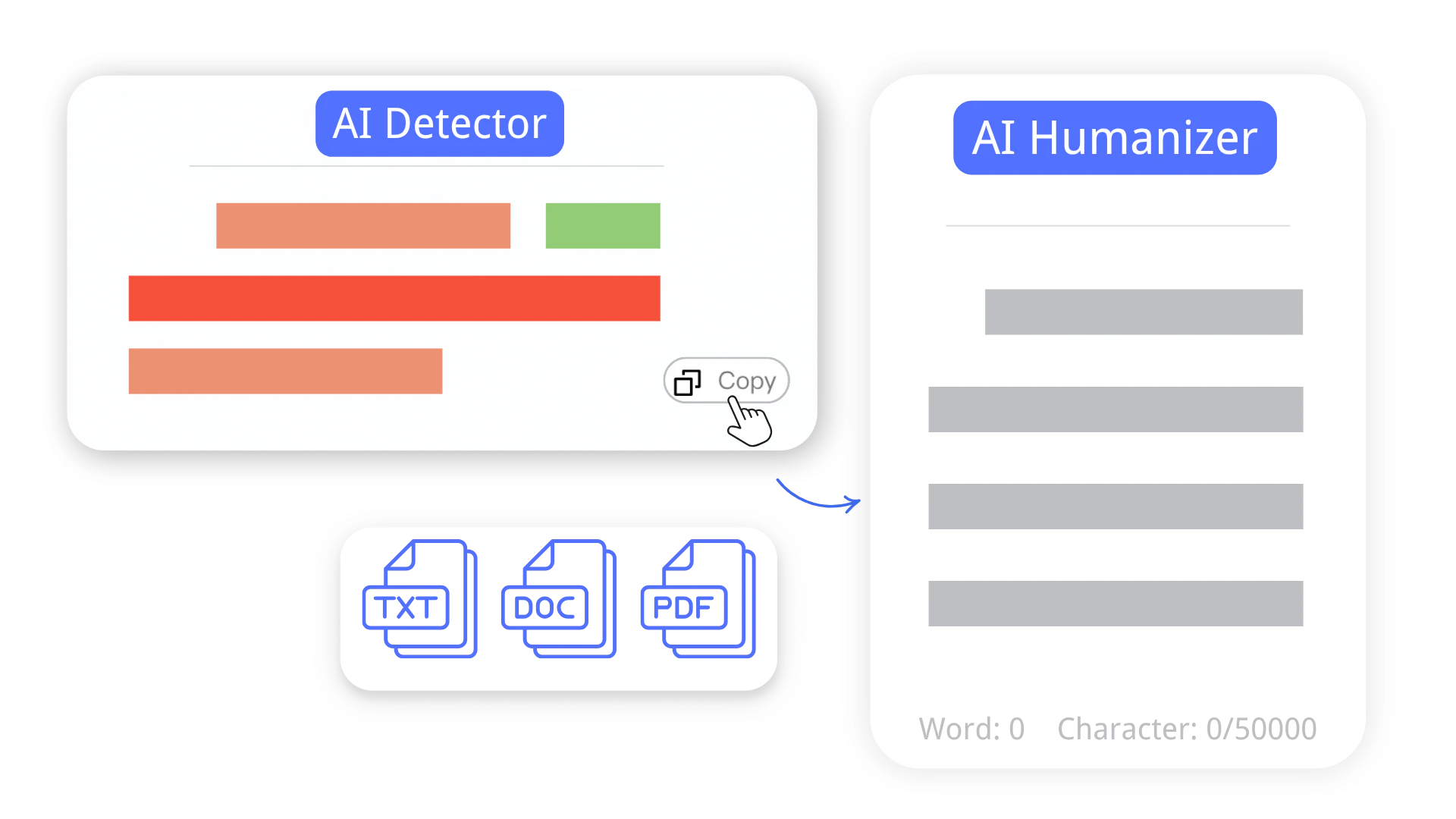
Step 1: Add Your Text

Put your AI-generated content into the AI Text Humanizer box above.
Step 1: Add Your Text

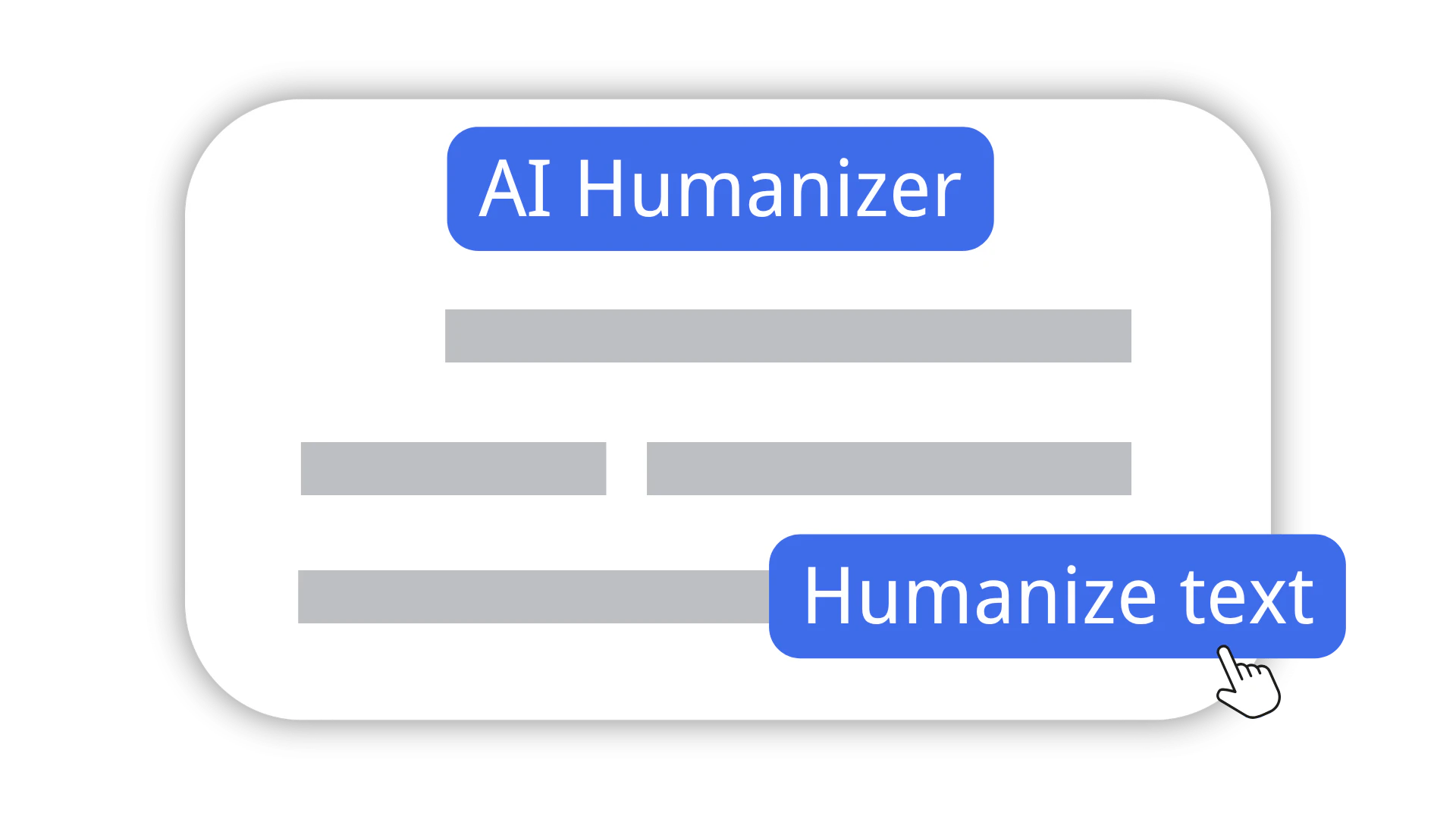
Step 2: Click Humanize

Hit the button and let this free AI humanizer work its magic - takes around 5 seconds.
Step 2: Click Humanize

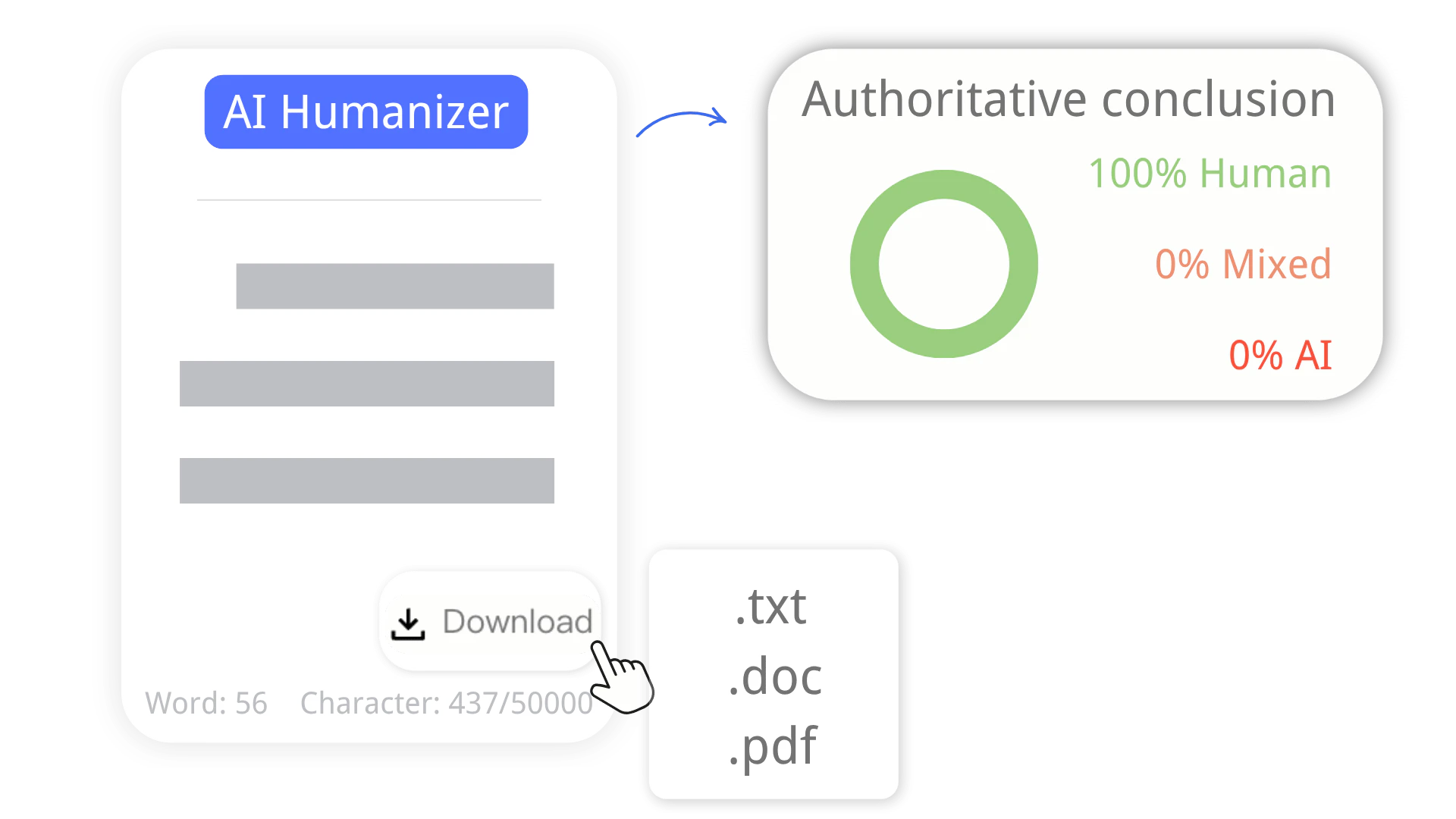
Step 3: Copy & Use

Grab your humanized text and you're done. Passes detection, reads like a human wrote it.
Step 3: Copy & Use

Frequently Asked Questions

What are the different types of AI humanizers?

How does an AI humanizer work?

What are the ethical considerations of using AI humanizers?

Will humanized text actually pass AI detectors like Turnitin or GPTZero?

Is my content safe? Do you store or share my text?

Can I use this for academic papers, blog posts, or marketing content?